Free remove.bg Alternative – No Upload, No Signup
Remove backgrounds from portraits right in your browser. No account, no credits, no upload. Not affiliated with remove.bg or Canva.
Runs entirely in your browser. Your files never leave your device. How we handle data
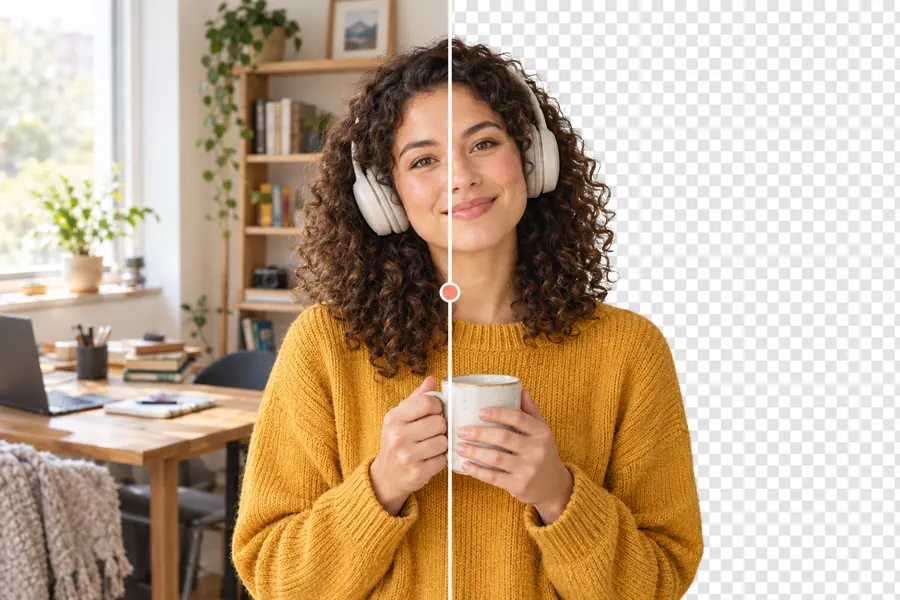
Works best on people and clear subjects. Needs a modern desktop or mobile browser (Chrome, Edge, Firefox, Safari 16+).
How to use the remove.bg alternative
- Step 1
Add a photo
Drop a JPG, PNG or WebP onto the page, click to browse, or paste from the clipboard.
- Step 2
Let it run on your device
The first run downloads the AI model (about 100 MB, once) and your browser caches it. Nothing is uploaded. For the finest hair and fur, press Make it HD under the result (free during launch, 10 a day).
- Step 3
Download the PNG
Compare before and after with the slider, then download a transparent PNG. No watermark, no credits.
Moving over from remove.bg: what to expect
Full size without credits
On many services the free download is a small preview and full resolution costs credits. Here the PNG is saved at the size of your photo, up to 4096 pixels on the long side.
Client and ID photos stay private
Because the standard modes run in your browser, you can cut out passport photos, client portraits or unreleased products without sending them to anyone.
What it does not replace (yet)
There is no API and no batch mode yet: photos are done one at a time. The model stays cached after the first run, so each next photo takes only a few seconds.
Frequently asked questions
Is remove.bg shutting down?
According to a notice on remove.bg itself, its background removal is moving to Canva and the standalone remove.bg website will no longer be available from 1 December 2026. Check remove.bg for the latest details.
Is this site affiliated with remove.bg or Canva?
No. OneClick Toolbox is an independent tool. remove.bg and Canva are trademarks of their respective owners and are named here only to describe what this tool can replace.
How is this different from remove.bg?
By default your photo is processed inside your own browser, so it is never uploaded. There is no account and no watermark. The on-device model handles people, pets and products well; for the finest hair, fur and thin details, the optional HD finish runs a larger model on a server (free during launch, 10 images a day).
Do I need an account or credits?
No. Open the page and use it. There is no signup; the on-device modes are unlimited, and HD is free during launch up to 10 images a day.
Can I use the result commercially?
Yes. The output image is yours. The AI models used are BiRefNet lite and BiRefNet (MIT licence) and MODNet (Apache-2.0 licence).
Related tools
- Background Remover
- Image Compressor
- Image Resizer · planned