QR Code Generator
Link, text or Wi-Fi QR codes as SVG or PNG, in the size and colours you choose.
Runs entirely in your browser. Your files never leave your device. How we handle data
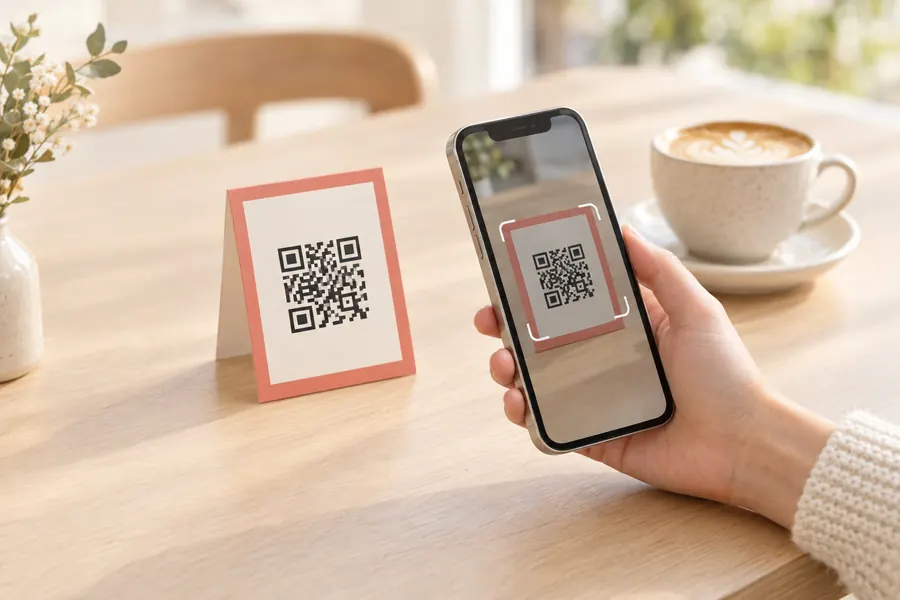
How to use the qr code generator
- Step 1
Choose what to encode
Pick URL, Text or Wi-Fi. For Wi-Fi, enter the network name, password and security type; phones that scan the code can join the network directly.
- Step 2
Adjust the look
Set the size, quiet-zone margin, foreground and background colours and the error-correction level. The preview updates as you type.
- Step 3
Download
Save as SVG for print and design work (it scales without blur) or PNG for documents, slides and the web.
Frequently asked questions
Is the QR code or its content sent anywhere?
No. The code is generated by JavaScript running in your browser, and the content never leaves your device. There is no account and no server.
Does the QR code expire or redirect through this site?
No. This is a static QR code: the link or text is encoded directly into the pattern, so it keeps working and does not depend on this site. The trade-off is that it cannot be edited or tracked after printing.
Which error-correction level should I use?
M (15%) is a good default. Use H (30%) when the code may get dirty, be printed small or have a logo placed over it; use L (7%) only when you need to fit a lot of text.
How does the Wi-Fi QR code work?
It encodes the standard WIFI:T:WPA;S:network;P:password;; format that iOS and Android camera apps recognise. Scanning offers to join the network without typing the password.
How much text fits in a QR code?
Up to about 2,950 bytes at the lowest error-correction level, less at higher levels. Long text makes the code dense and harder to scan, so keep it short or use a link.
Related tools
- Password Generator · planned
- Screen Capture
- Image Compressor