Online Timer
Countdown, stopwatch and Pomodoro with full-screen big digits and an alarm.
Runs entirely in your browser. Your files never leave your device. How we handle data
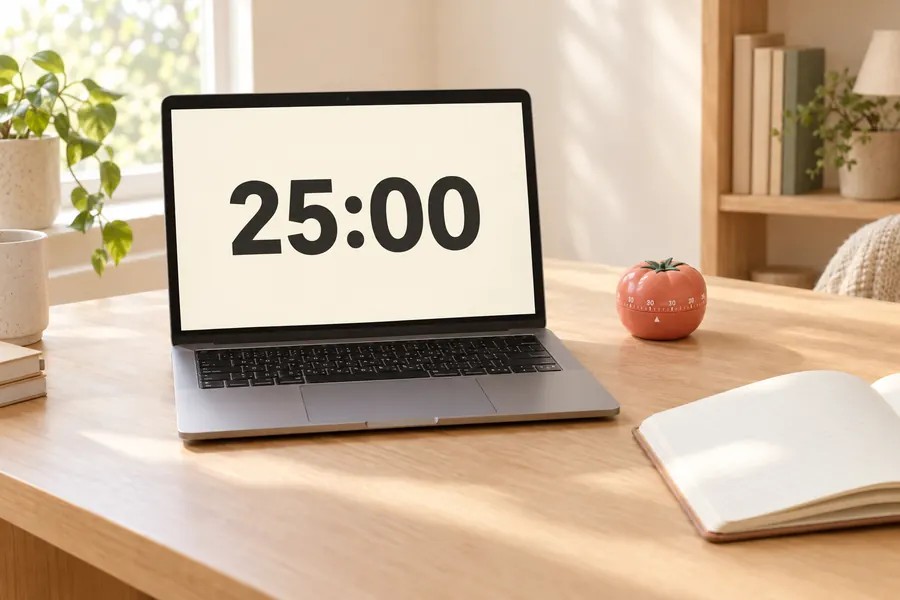
How to use the online timer
- Step 1
Pick a mode
Choose Countdown, Stopwatch or Pomodoro at the top of the timer.
- Step 2
Set the time
Type hours, minutes and seconds or tap a preset such as 5, 10 or 25 minutes.
- Step 3
Start
Press Start or hit the space bar. The remaining time also shows in the browser tab title.
- Step 4
Go big
Click Full screen for presentation-size digits. An alarm plays when the time is up.
Frequently asked questions
Does the timer keep running if I switch tabs?
Yes. The timer is based on your device clock, so it stays accurate even when the tab is in the background. The remaining time is shown in the tab title.
Will the alarm sound play?
The alarm uses the browser's built-in audio and starts after you press Start. If your device is muted or the tab is blocked from playing sound, you will still see the visual alert.
Can I use it offline?
Yes. Once the page has loaded it works without an internet connection, and you can install it as an app from your browser menu.
Is there a Pomodoro mode?
Yes. The Pomodoro tab runs 25-minute focus sessions with 5-minute breaks and a longer break every four sessions. The lengths are adjustable.