Remove Background from Image
AI background removal that runs on your device. Transparent PNG, no upload.
Runs entirely in your browser. Your files never leave your device. How we handle data
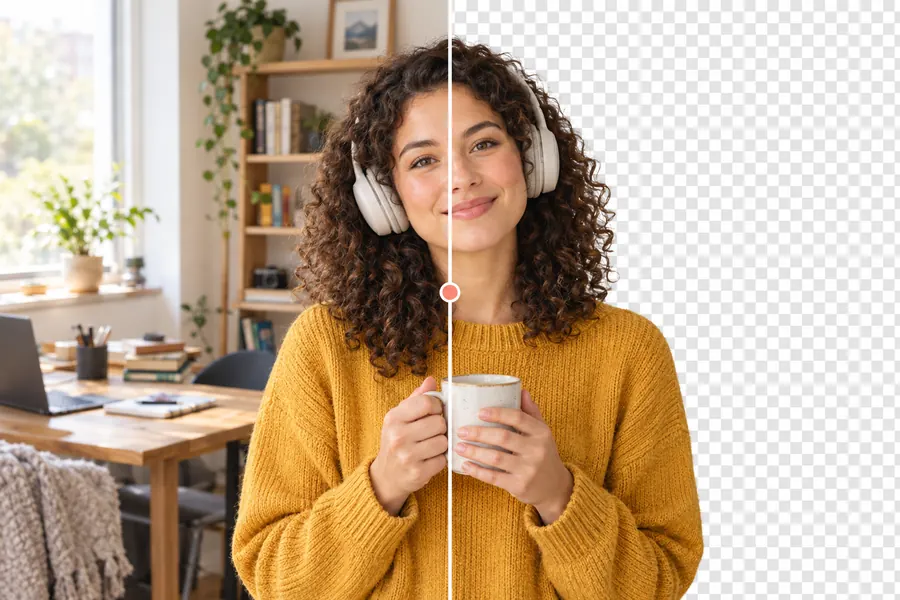
Works best on people and clear subjects. Needs a modern desktop or mobile browser (Chrome, Edge, Firefox, Safari 16+).
How to use the background remover
- Step 1
Add a photo
Drop a JPG, PNG or WebP onto the page, click to browse, or paste from the clipboard.
- Step 2
Wait for the model
On first use a small AI model (about 25 MB) downloads to your browser and is cached for next time.
- Step 3
Compare and download
Drag the slider to compare before and after, then download the transparent PNG.
Frequently asked questions
Is my photo uploaded to a server?
No. The AI model runs inside your browser using WebGPU or WebAssembly. Your photo never leaves your device, and nothing is stored by this site.
Why does the first run take longer?
The model file is downloaded once (about 25 MB) and cached by your browser. Later images are processed in a few seconds.
What image types and sizes are supported?
JPG, PNG and WebP. Images larger than 4096 pixels on the long side are scaled down for the free version to keep processing fast.
Which AI model is used?
An open MODNet portrait matting model (Apache-2.0 licence) running through Transformers.js and ONNX Runtime Web. It works best on people and clear subjects.
Related tools
- Screen Capture
- Image Compressor · planned
- Image Resizer · planned