5 Minute Timer
Already set to 5 minutes. Press Start for a short break, a quick review or a classroom warm-up.
Runs entirely in your browser. Your files never leave your device. How we handle data
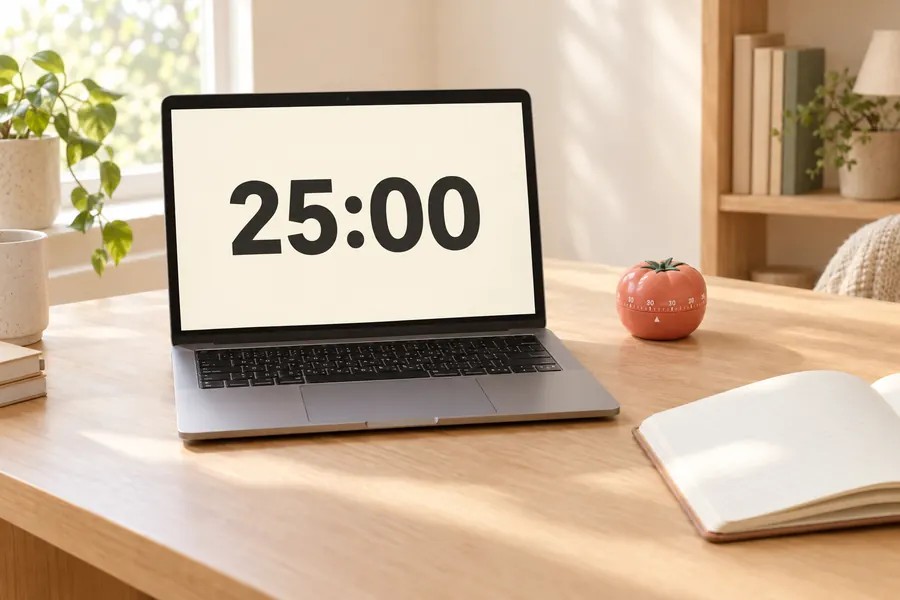
How to use the 5 minute timer
- Step 1
Press Start
The timer is already set to 5:00. Press Start or hit the space bar.
- Step 2
Go full screen
Click Full screen for large digits that can be read from across a room or on a projector.
- Step 3
Hear the alarm
An alarm plays when the time is up. You can mute it for a silent visual finish.
Frequently asked questions
How do I set a timer for 5 minutes?
Open this page and press Start. It is already set to 5 minutes, so there is nothing else to enter.
Will it keep counting if I switch tabs?
Yes. The timer is based on your device clock and stays accurate in the background. The remaining time is shown in the browser tab title.
What is a 5-minute timer good for?
People use it for a short break, a quick review or a classroom warm-up. Five minutes works well as a break between two 25-minute focus sessions.
Can I change the time?
Yes. Type a different number of minutes or tap a preset. The page also has stopwatch and Pomodoro modes.